> For clean Markdown of any page, append .md to the page URL.
> For a complete documentation index, see https://docs.monite.com/llms.txt.
> For AI client integration (Claude Code, Cursor, etc.), connect to the MCP server at https://docs.monite.com/_mcp/server.
# TemplateSettings
## Overview
The `TemplateSettings` component (alias `DocumentSettings`) enables users to customize their invoice look-and-feel and branding.
Users can:
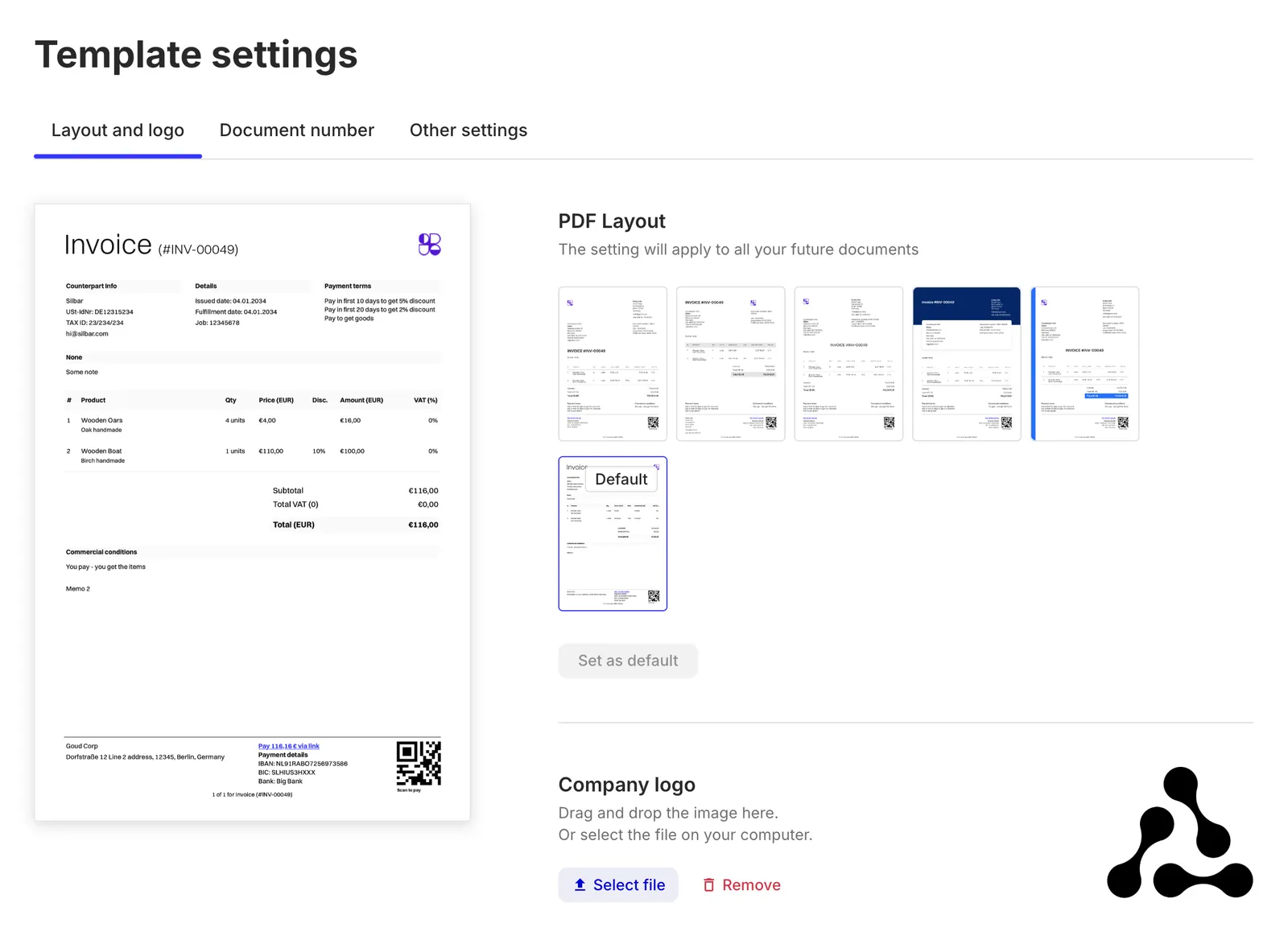
* choose from several built-in PDF templates,
* upload, replace, or remove the entity logo for PDFs,
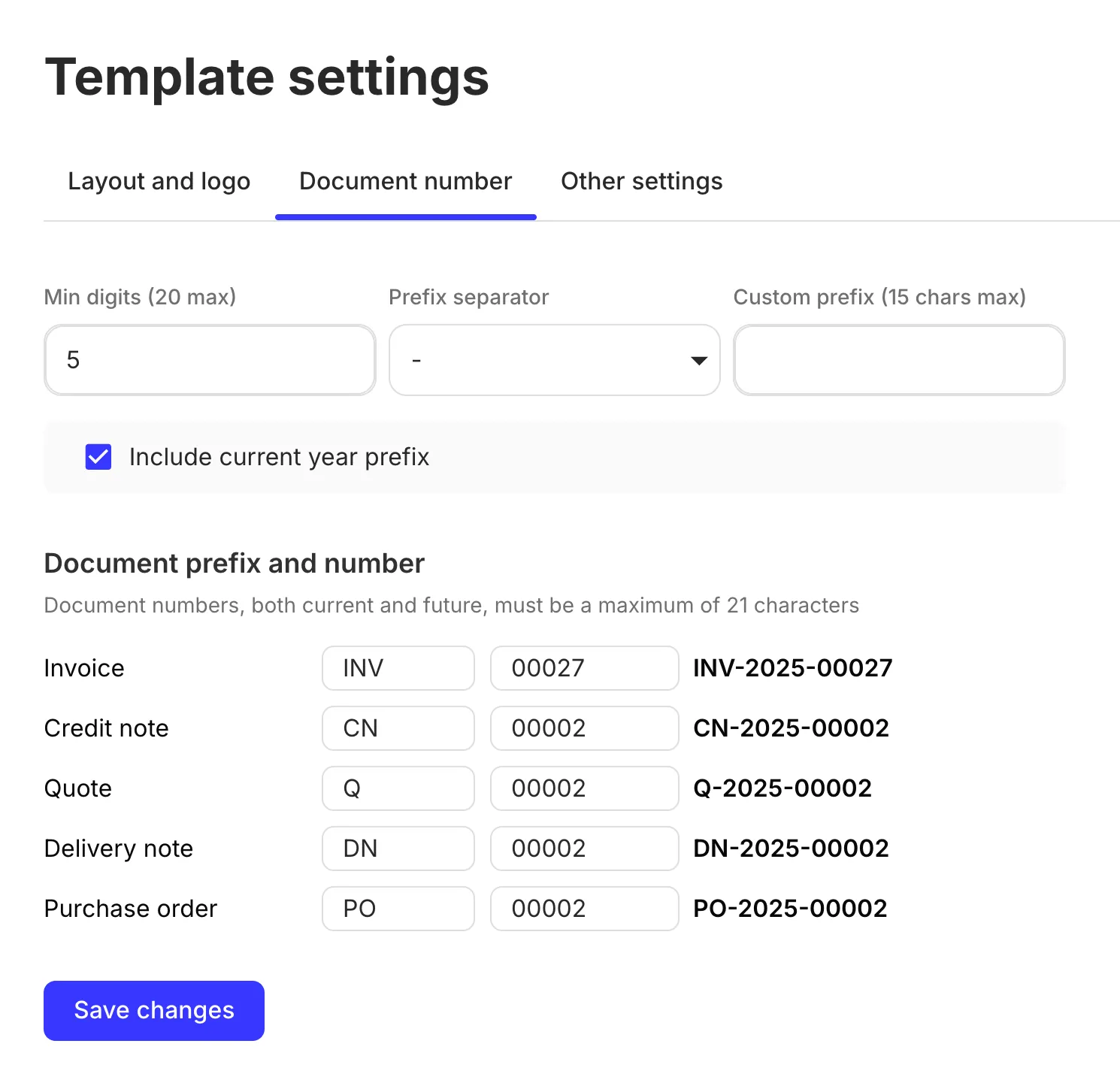
* change the format of document numbers for invoices, quotes, and other document types (for example, `INV-00042` or `IN/2025/042`),
* set the next number for invoices and other document types,
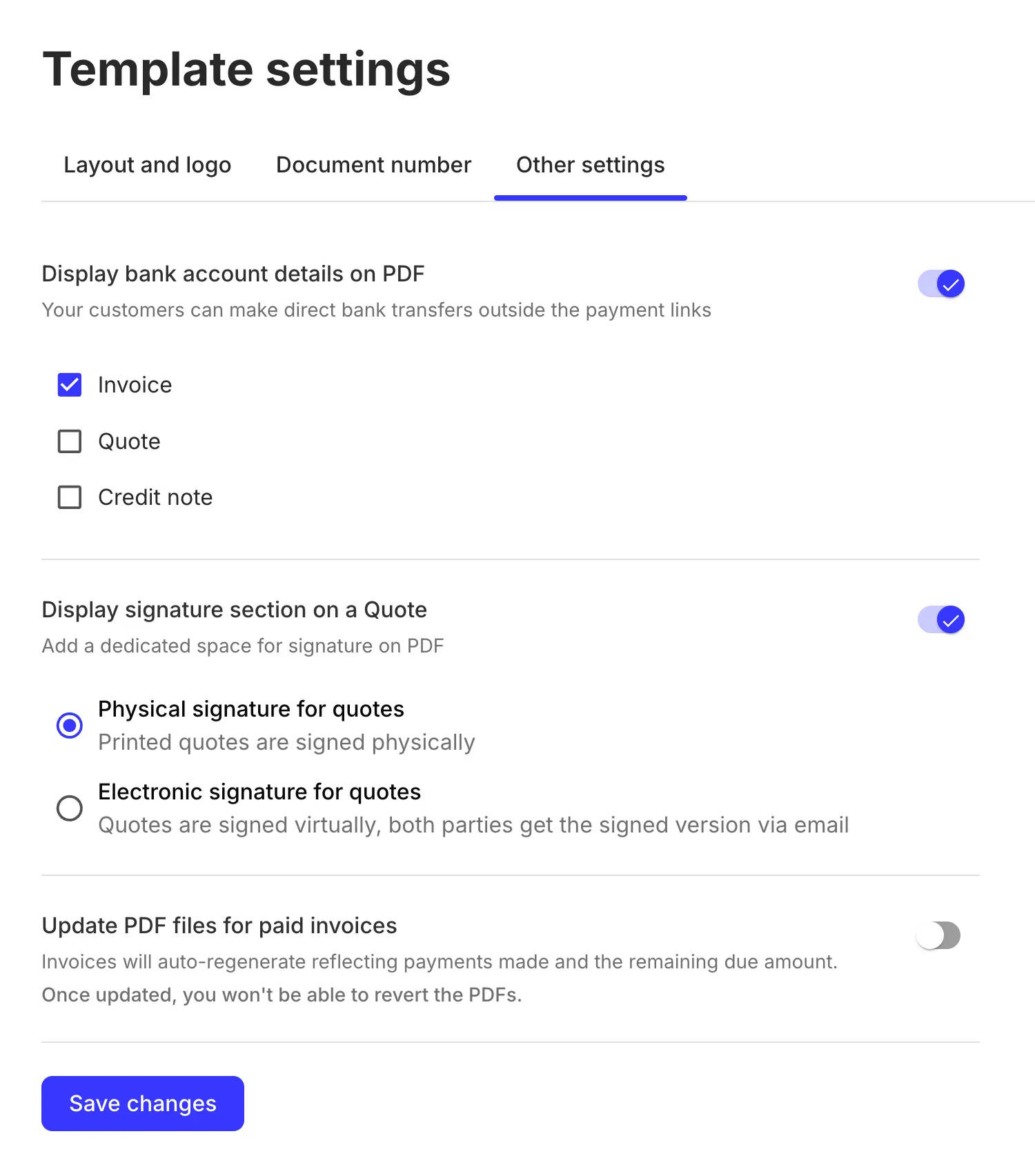
* add or hide certain sections in PDFs (such as bank account details or signatures),
* and more.
> **Note**
>
> All options apply only to newly created documents and do not affect existing documents.
The `TemplateSettings` component displays the available settings in tabs:
#### "Layout and logo" tab
#### "Document number" tab
#### "Other settings" tab
Individual tabs are also available as standalone components in case you want to expose only a subset of the available settings or to organize the settings in a different layout:
* [`LayoutAndLogo`](./layoutandlogo)
* [`DocumentNumber`](./documentnumber)
* [`OtherSettings`](./othersettings)
The dialog form of `TemplateSettings` is embedded into [`InvoiceDetails`](./invoicedetails) for seamless invoice editing experience.
## Permissions
To access and use the `TemplateSettings` component, the authenticated entity user must have a role with the `read` and `update` [permissions](../../../api/concepts/authentication#permissions) for the `entity` resource.
## Usage
Use the `TemplateSettings` component in your application as follows:
#### Render as a standalone screen
**`React`**
```jsx React
import { TemplateSettings } from "@monite/sdk-react";
...
// This component must be rendered within the MoniteProvider wrapper
const TemplateSettingsPage = () => {
return
};
```
#### Render in a popup
**`React`**
```jsx React
import { TemplateSettings } from "@monite/sdk-react";
import { Button } from 'react-native';
...
const [isEditTemplateModalOpen, setIsEditTemplateModalOpen] = useState(false);
...