For AI agents: a documentation index is available at the root level at /llms.txt and /llms-full.txt. Append /llms.txt to any URL for a page-level index, or .md for the markdown version of any page.
API StatusPartner Portal
HomeGuidesAPI ExplorerSDKsGitHubSupport
  • Monite SDK
    • Overview
  • Drop-in
    • Drop-in overview
    • Drop-in theming
    • Drop-in localization
    • Iframe App
  • React SDK
    • Overview
      • Overview
      • ApprovalPolicies
      • ApprovalPoliciesTable
      • ApprovalPolicyDetails
      • ApprovalRequests
      • ApprovalRequestsTable
      • CounterpartDetails
      • Counterparts
      • CounterpartsTable
      • CreditNotesTable
      • DocumentNumber
      • InvoiceDetails
      • InvoicesTable
      • LayoutAndLogo
      • Onboarding
      • OtherSettings
      • PayableDetails
      • Payables
      • PayablesTable
      • ProductDetails
      • Products
      • ProductsTable
      • QuotesTable
      • Receivables
      • ReceivablesTable
      • RolesAndPolicies
      • TagFormModal
      • Tags
      • TagsTable
      • TemplateSettings
      • UserRoleDetails
      • UserRoles
      • UserRolesTable
    • SDK customization
    • SDK localization
    • SDK theming
    • SDK releases
    • v4 migration guide
LogoLogo
API StatusPartner Portal
On this page
  • Overview
  • Permissions
  • Preview
  • Usage
  • Props
React SDKComponents and wrappers

Onboarding component

Was this page helpful?
Previous

OtherSettings

Next
Built with

Overview

The Onboarding component renders the interface for payments onboarding of entities. For more information, see Onboarding via Web Component.

Permissions

To access this component, the entity user must have permissions for the onboarding, person, entity, and entity_bank_account object types. For more information, see List of permissions.

Preview
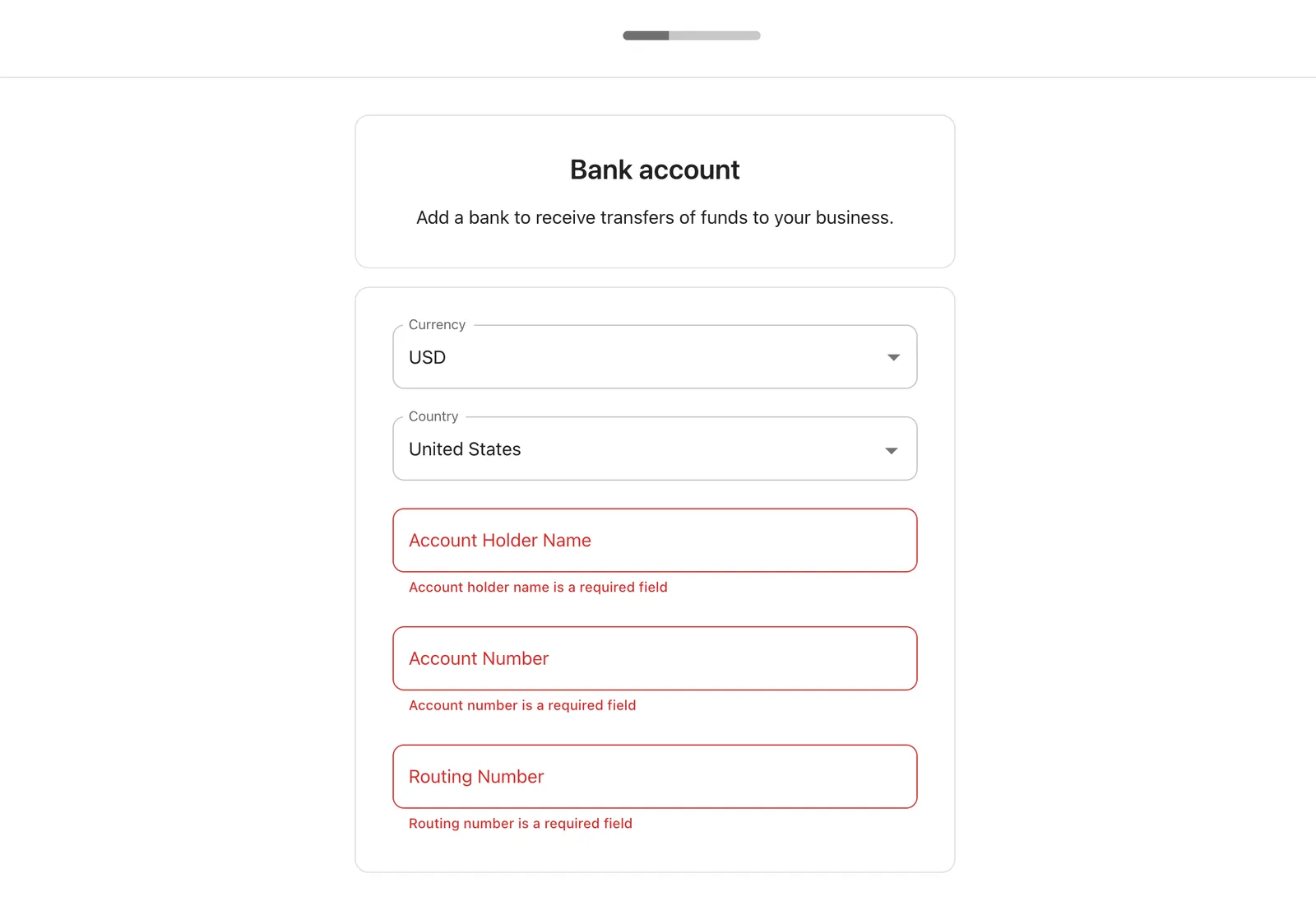
Onboarding component preview

Usage

Use the Onboarding component as shown below to onboard an entity for payment acceptance. The entity ID is inferred from the authenticating token.

1import { Onboarding } from "@monite/sdk-react"
2
3...
4
5// TODO: This component must be rendered within the MoniteProvider wrapper
6 const OnboardingPage = () => {
7 return <Onboarding />
8};

Props

None.